For good once
regular price $69.90$59.90
- Every 1.x update
- A discount on Oto 2.0
- One computer, the key moves when you change it

Videos for Reels and TikTok, posters and covers from your own track. 60 looks, Mac and Windows, offline.
Oto runs on Mac and Windows. You can pay on your phone and install it on a computer later.
24 Oto looks on the same passage of Track 01, from 0:30. Recorded in the app, no editing.
The whole track is worked through once. Every picture is then drawn from that, so it lands on every hit, and the same track always gives the same picture.
This is a recording of a Sheet export: the Paint pen, Track 01, 1:41. Keep scrolling and the page prints to the end.

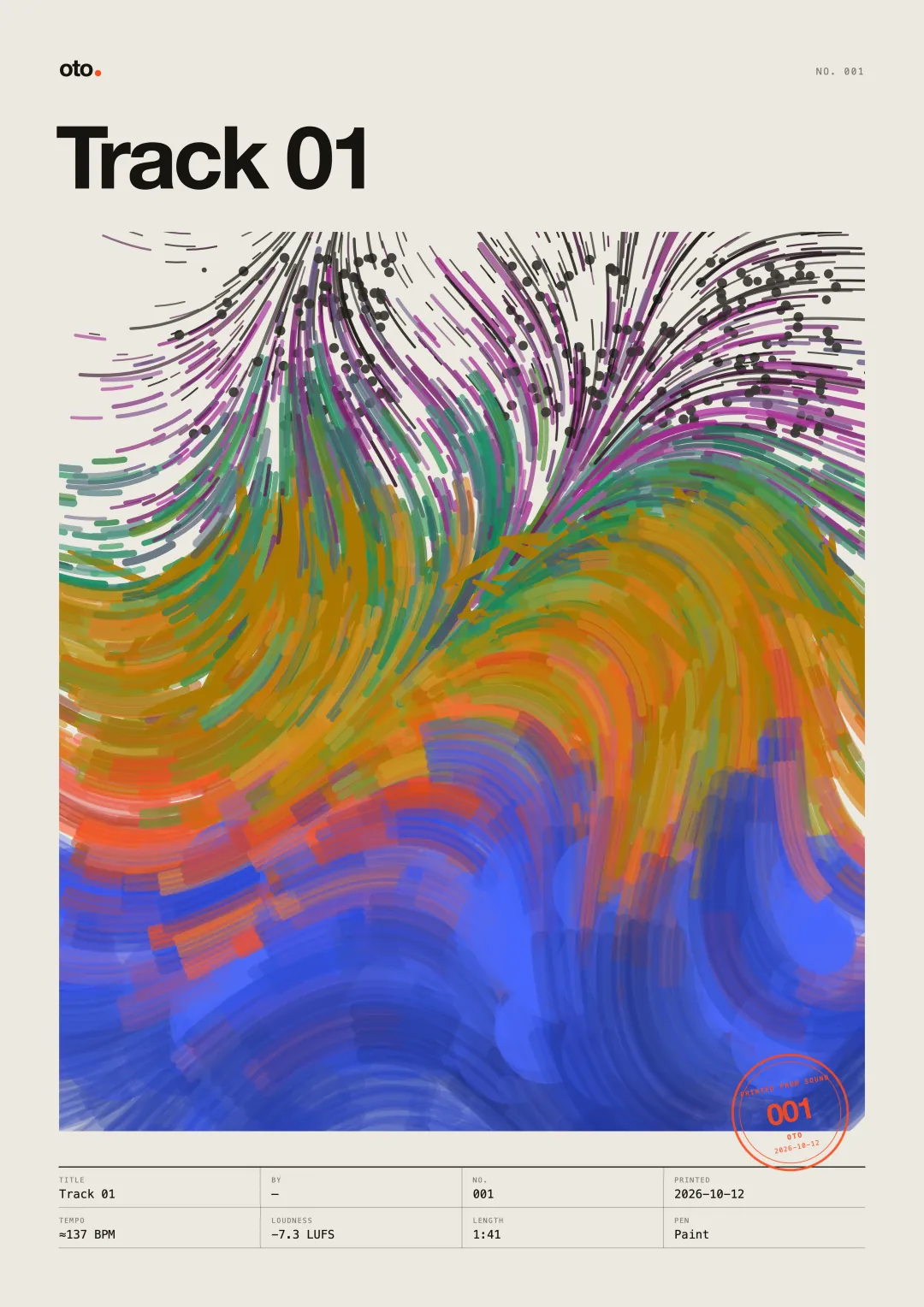
The finished page Saved as an A3 poster in PDF, SVG or PNG, and as a 3000 × 3000 cover for streaming.
Every page below is printed from Track 01. One pen paints a canvas in strokes, another writes a seismograph, a third cuts a spiral groove. The twelfth, Portrait, repaints a picture of yours.
 PaintThe track paints a canvas, stroke by stroke
 DrumSeismograph rows, one line after another
 RidgeA spectrum per line, stacked top to bottom
 DiscOne spiral groove from the centre out
 PolygraphEight pens write the whole track on one chart
 HatchInk hatching, mirrored like a reflection in water
 CoronaThe track as a ring of rays
 GelSeven lanes of bands, like a chromatogram
 RingsEvery hit drops a circle on the axis of time
 StringKicks and snares are pins; one thread winds the track's own figure
 MeshSix bands as netted ribbons; the loudest is knotted nearly black
Five groups. Meters measure the sound as studio instruments do. Scenes and Future move with the music. MIDI plays the notes. Pick a name and the look plays Track 01.
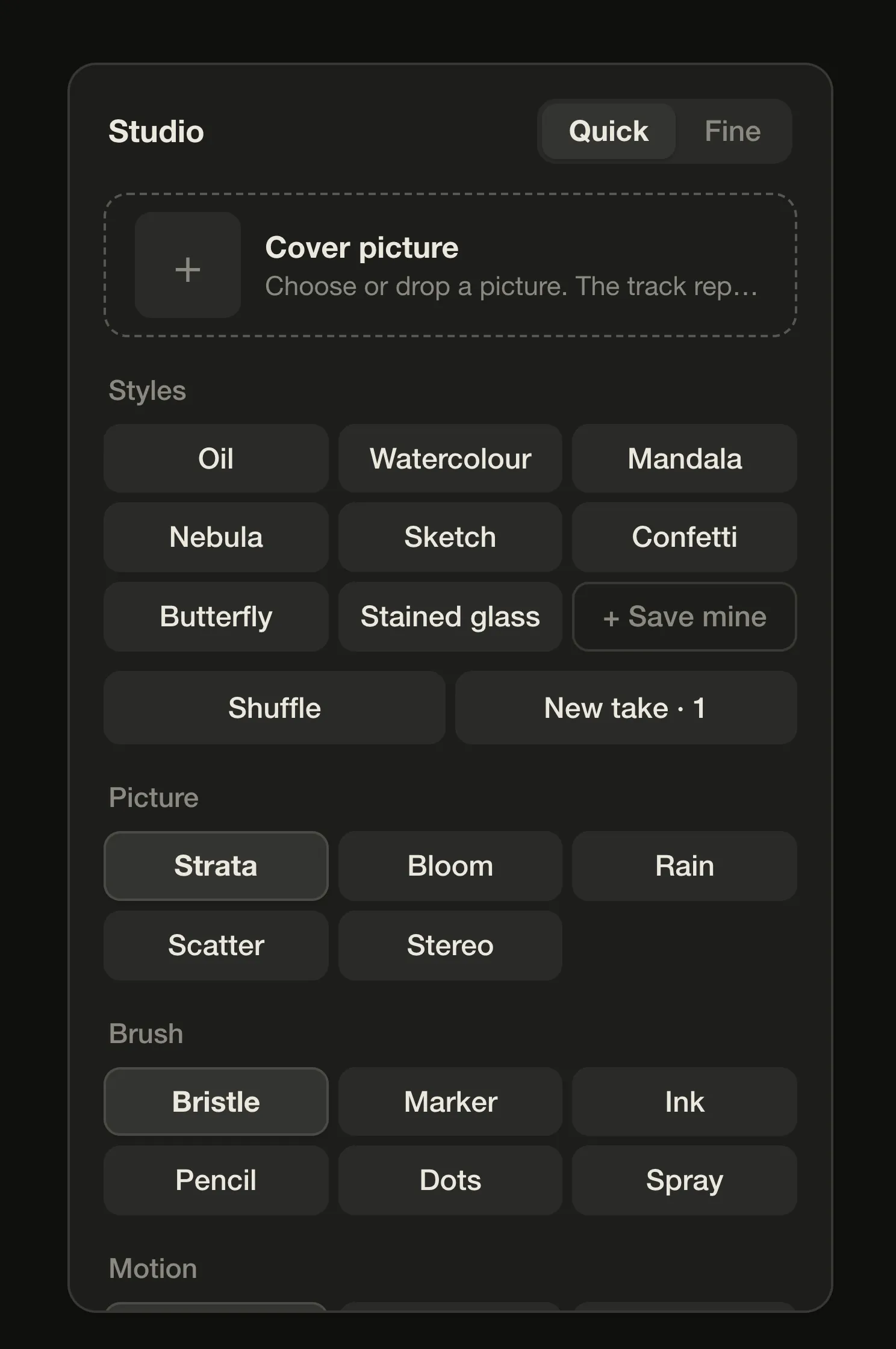
Also in the app: Roll and Orbit show the notes of a MIDI file, and the Portrait pen repaints a picture of yours.
Every frame is rendered afresh, never captured from the screen, so the video stays sharp up to 4K. 15 seconds, 30 or the whole track.
Drop an MP3 or WAV here, or play a beat. The file never goes online. These are six simple looks written for this page: the app has sixty, and they read a track more deeply.
or drop your own track hereor pick a file of your own below
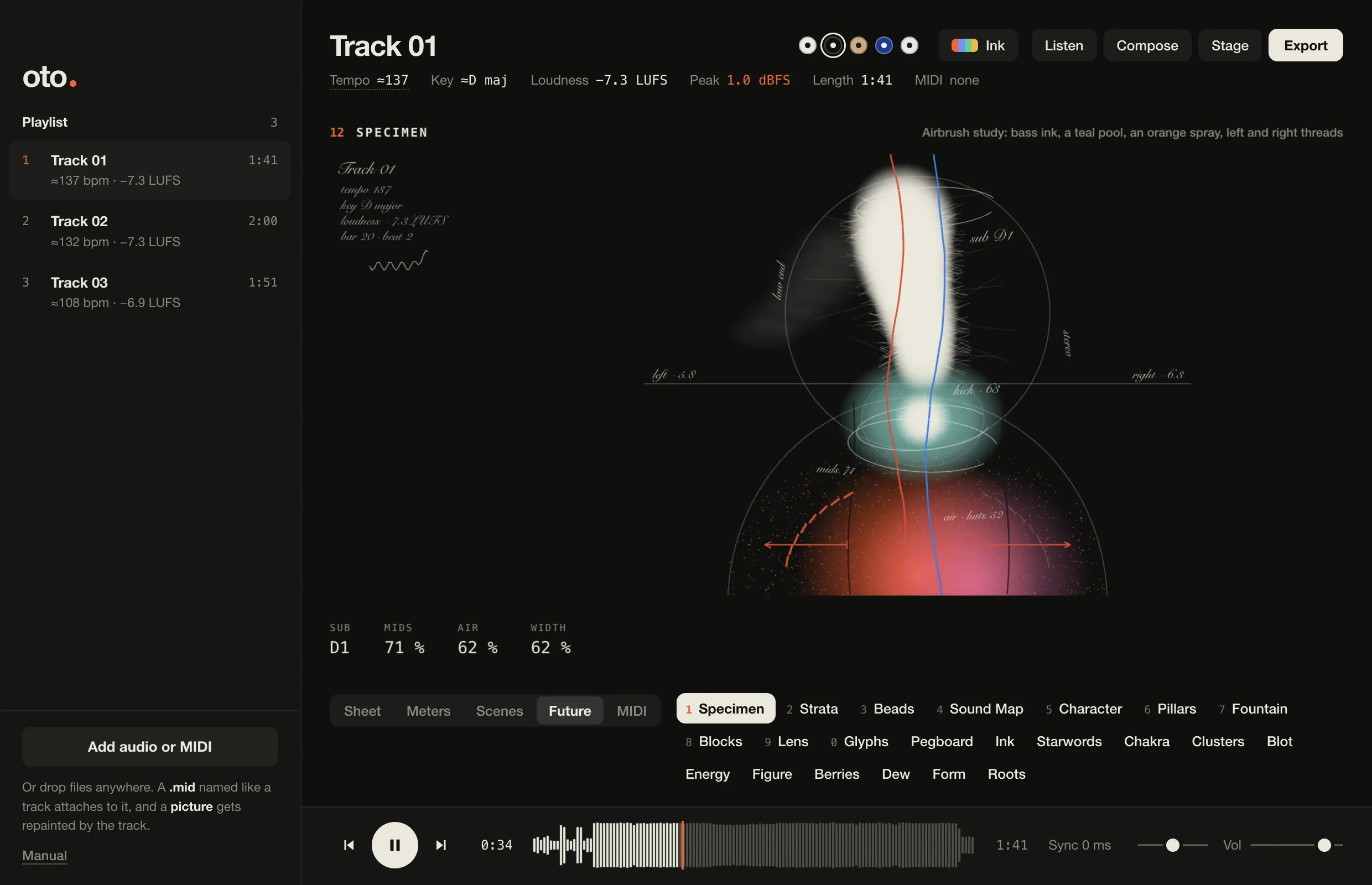

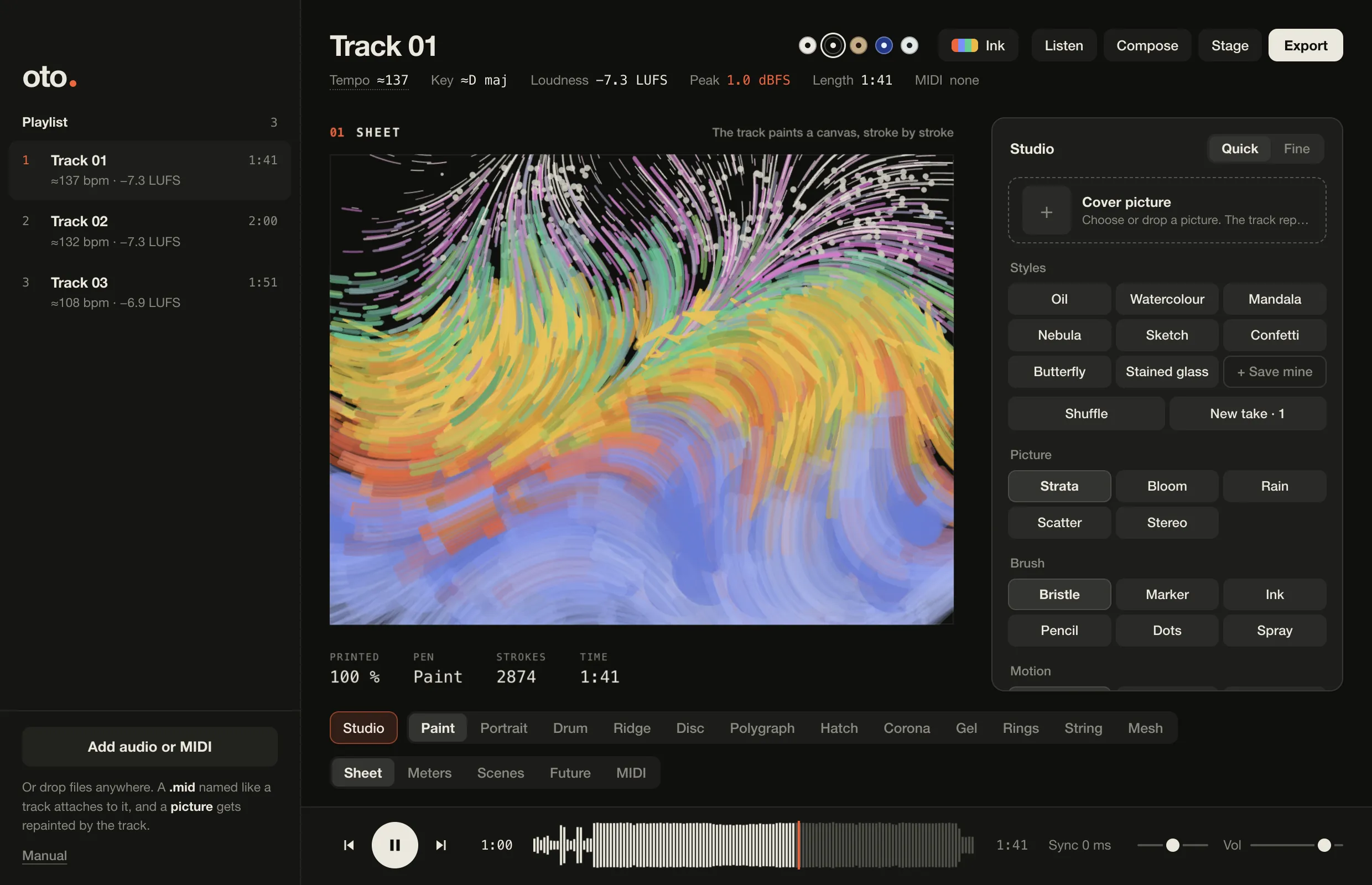
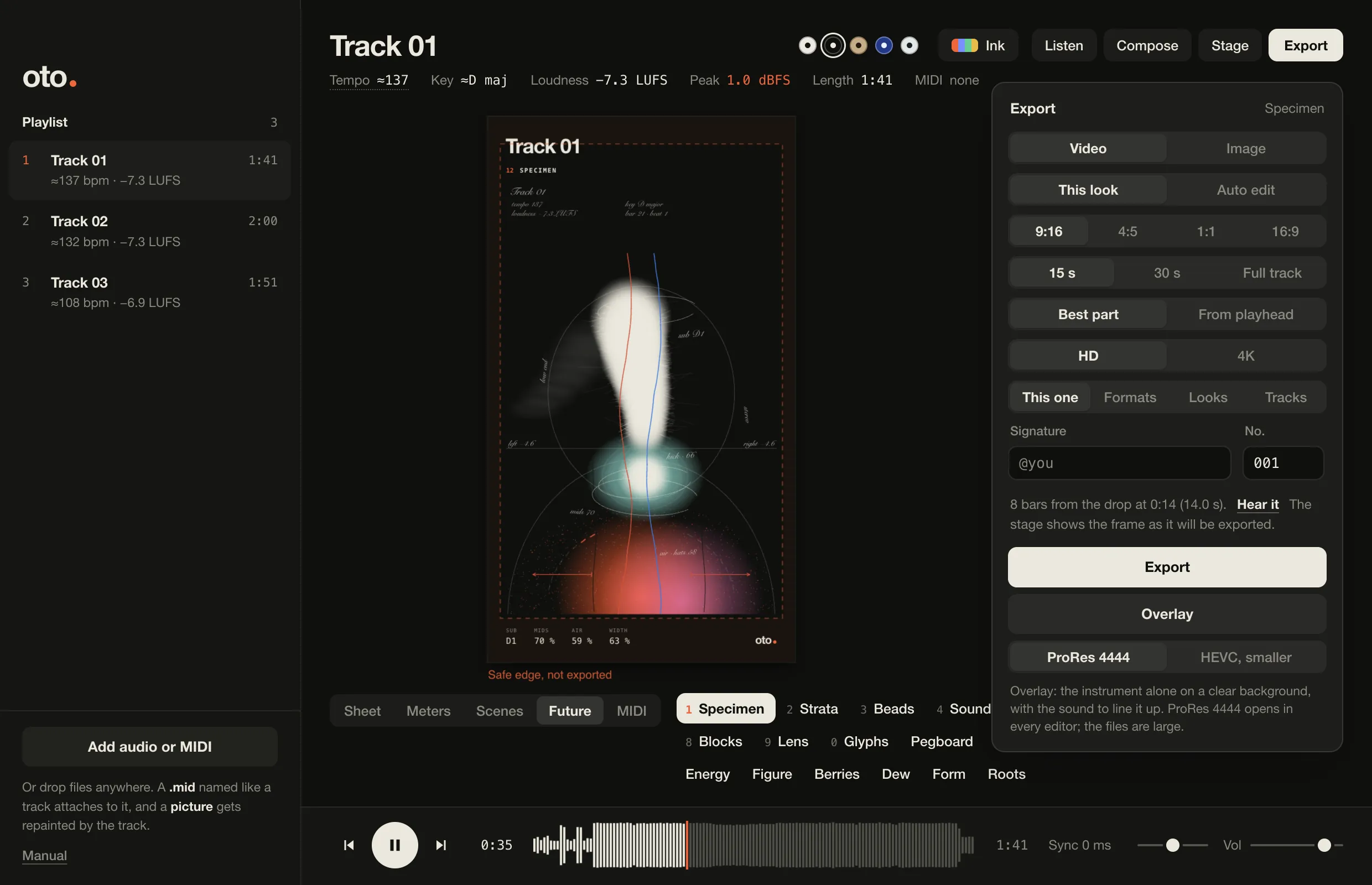
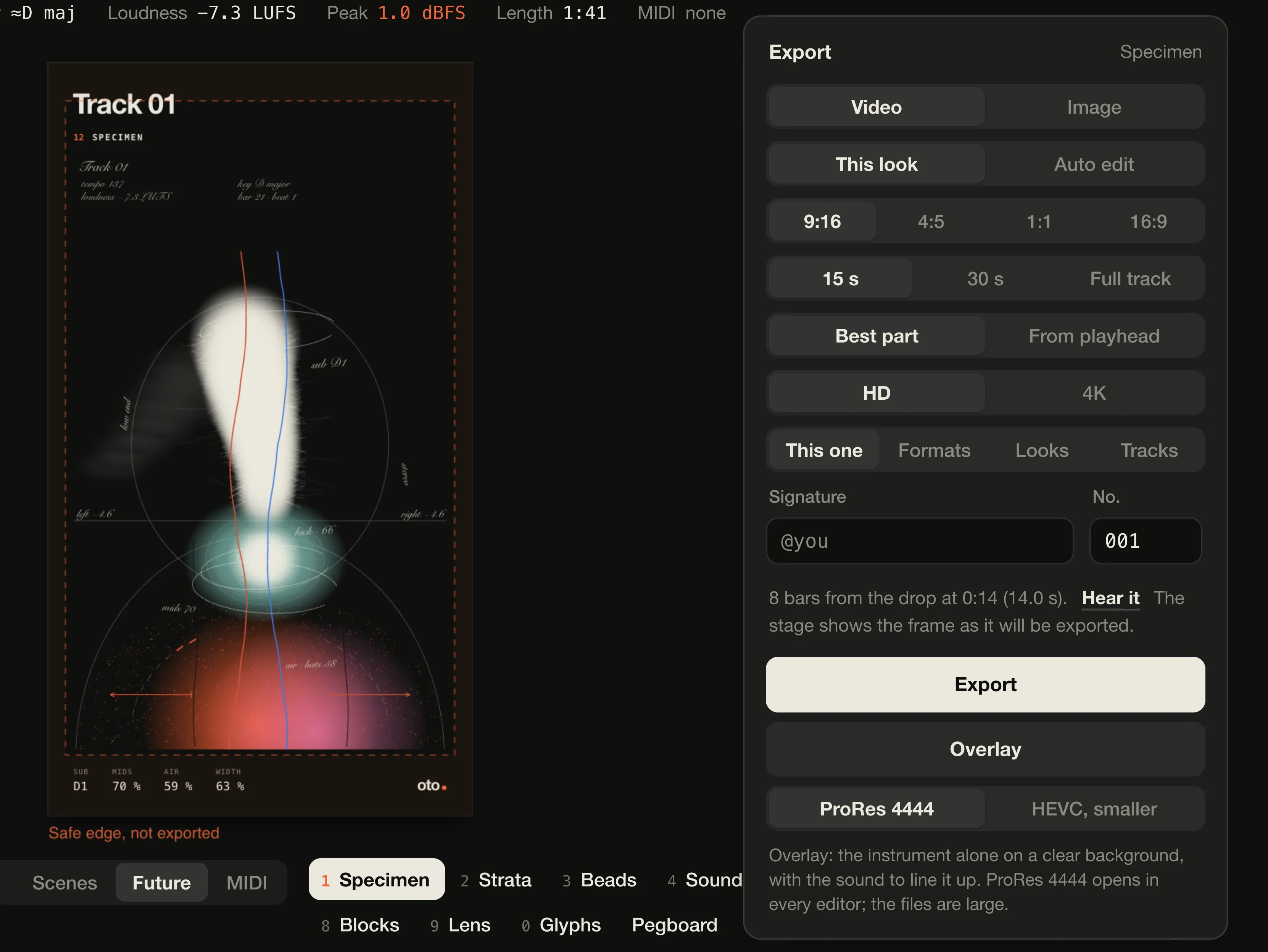
The Listen window floats above other apps and draws whatever the computer is playing: FL Studio, Ableton, the browser. Make it small and park it in a corner.
On a Mac the system asks for permission to capture the sound.
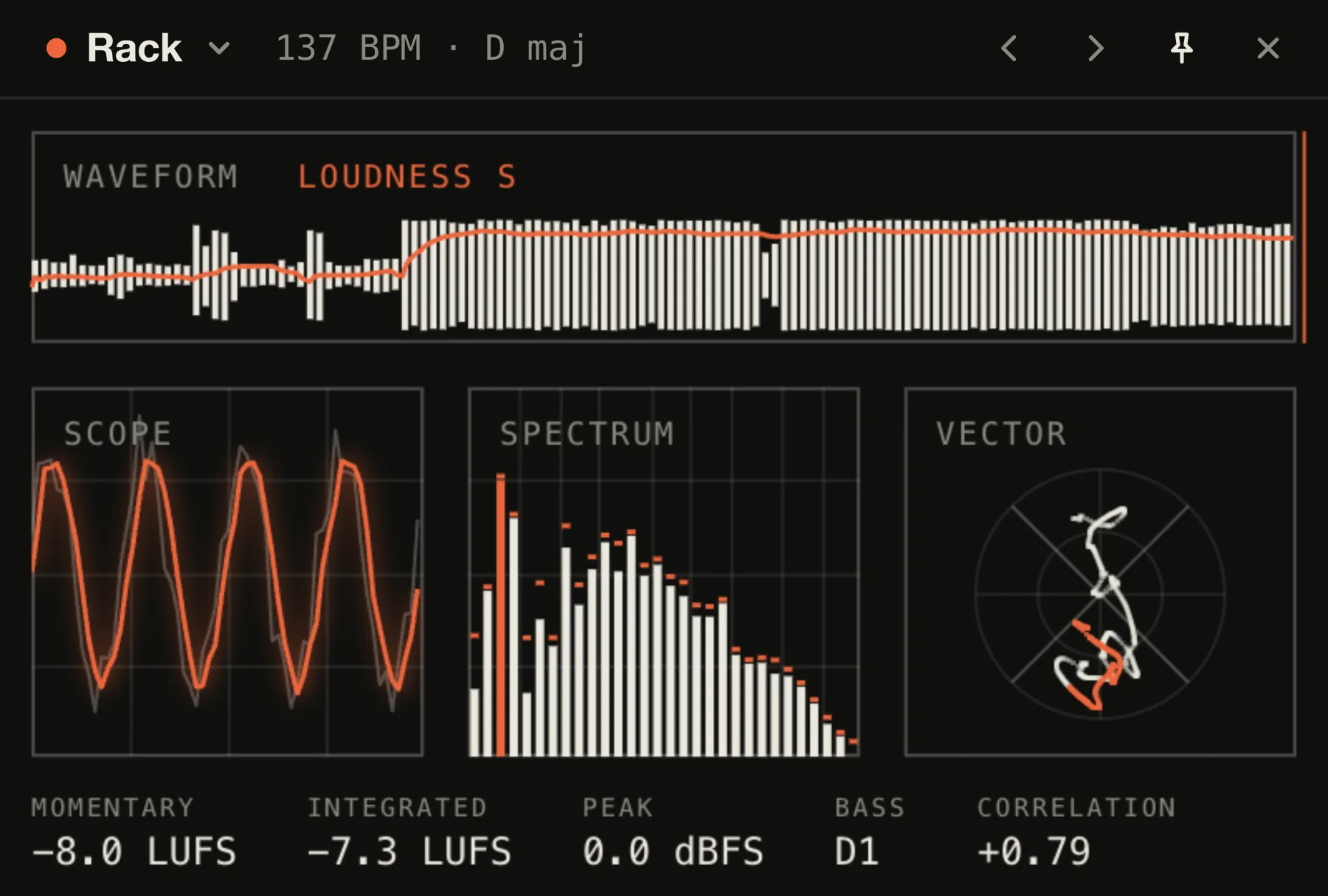
Neither the sound nor the names go anywhere. The internet is for the key alone: an open Oto checks it by itself, and works up to 3 days without a connection.
The same Oto either way: every look, export up to 4K, Listen and Studio.
On sale now
regular price $69.90$59.90
regular price $21.90$17.90
Oto runs on Mac and Windows. You can pay on your phone and install it on a computer later.
No Telegram? Press “Write on Telegram” on the order page anyway: the order reaches me. Then send me the order number on Instagram @oto.instrument.
Access is given at once, so there are no refunds. Try the demo above first. Already have a month key? Renew it
No. Oto draws the music you add to it: your beats, other people’s tracks, anything.
MP3, WAV, AIFF, FLAC, M4A and OGG. A MIDI file named like the track attaches to it by itself.
No. Every look works without it except Roll and Orbit. Crowd plays the notes by ear, and exactly with MIDI.
Once, to activate the key. After that an open Oto quietly checks the key with the server by itself, and without a connection it keeps working for up to 3 days.
Oto is not yet signed by Apple and Microsoft. The system asks you to confirm once; the steps are on the install page.
One key works on one computer. Change computers, write to me, and I move the key.
Oto closes and asks you to renew. You renew on the site with the same key and do not type it again.
Oto 1.x and every update to it at no extra cost, new looks included. When Oto 2.0 comes out, you get a discount.
With PayPal or crypto, from any country. In Russia and the CIS also with the Mir card and other ways. We agree on the way in the chat, when you write to me about the order.
Place the order and press “Write on Telegram” on the order page anyway: the order reaches me. Then send the order number on Instagram @oto.instrument and I will answer you there.
No, Oto is for a computer. You can pay on your phone and keep the link to your order, then install it later.